
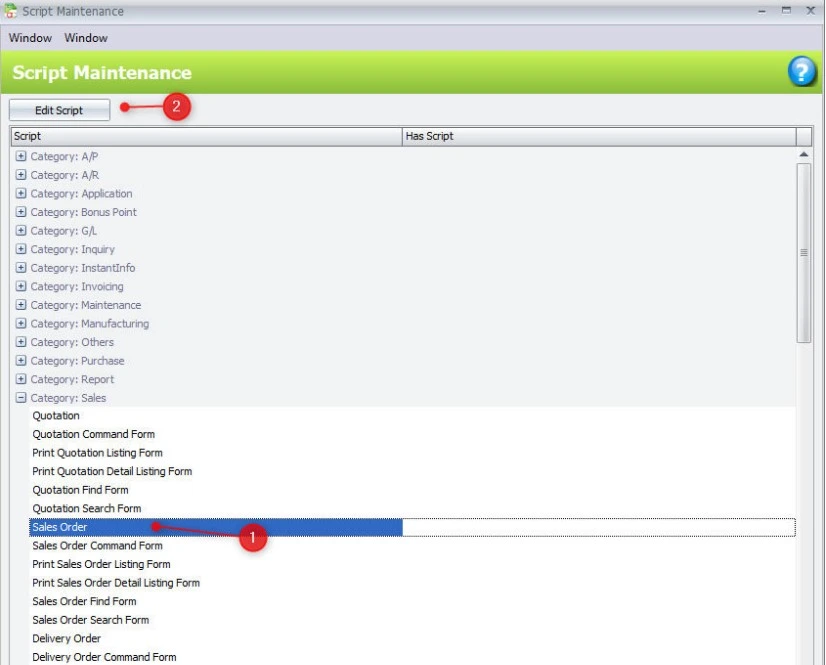
Customization & Automation
🛠️ Automate Repetitive Tasks
Create scripts to automate routine tasks like invoice generation, data imports, and report scheduling, reducing manual effort.
🔄 Custom Workflow Creation
Design specialized workflows to suit unique business processes, such as automated stock transfers, order processing, or inventory checks.
📊 Tailored Reporting
Write scripts to generate custom reports, pulling specific data points from multiple modules, allowing for deep insights and data visualization.
⚙️ Custom Alerts & Notifications
Set up automated notifications based on specific conditions (e.g., low stock levels, pending approvals) to keep your team informed.
Integration with Other Modules
🔗 Seamless Integration with AutoCount Modules
Utilize AutoCount Scripting to integrate and extend the functionality of other modules (Sales, Purchases, Inventory, etc.), streamlining cross-department processes.
🧑💻 API & External System Integration
Create scripts to connect AutoCount with external systems (such as CRM, ERP, or eCommerce platforms) for improved data synchronization.
Advanced Data Processing
🔢 Custom Data Manipulation
Write scripts to process and modify data in unique ways, such as adjusting financial data based on custom rules or processing batch inventory updates.
📑 Complex Calculations
Implement custom calculations that go beyond standard AutoCount features, such as advanced pricing rules, profit margin adjustments, or custom financial analyses.
User Control & Security
🔐 Role-Based Permissions for Script Management
Control who can write, edit, or execute scripts to ensure sensitive business processes are only modified by authorized personnel.
🔄 Script Versioning & History Tracking
Keep track of script changes and versions to maintain control over modifications and ensure transparency across all customizations.
Monitoring & Debugging
⚙️ Debugging Tools for Script Testing
Use built-in debugging features to test and refine your scripts, ensuring that they run smoothly before full implementation.
📊 Script Execution Monitoring
Monitor script execution status and performance, ensuring automated tasks run as expected without interruptions.
4 hours Response Time
During office hours, we guarantee a response time of no more than 4 hours, ensuring your issues are addressed promptly.
Free Installation
Our team will set up and configure your software to meet your business needs, letting you focus on your business success.
Secure Checkout
Enjoy a seamless and secure checkout process through the Fiuu Payment Gateway, protecting your transactions.


Reviews
There are no reviews yet.